
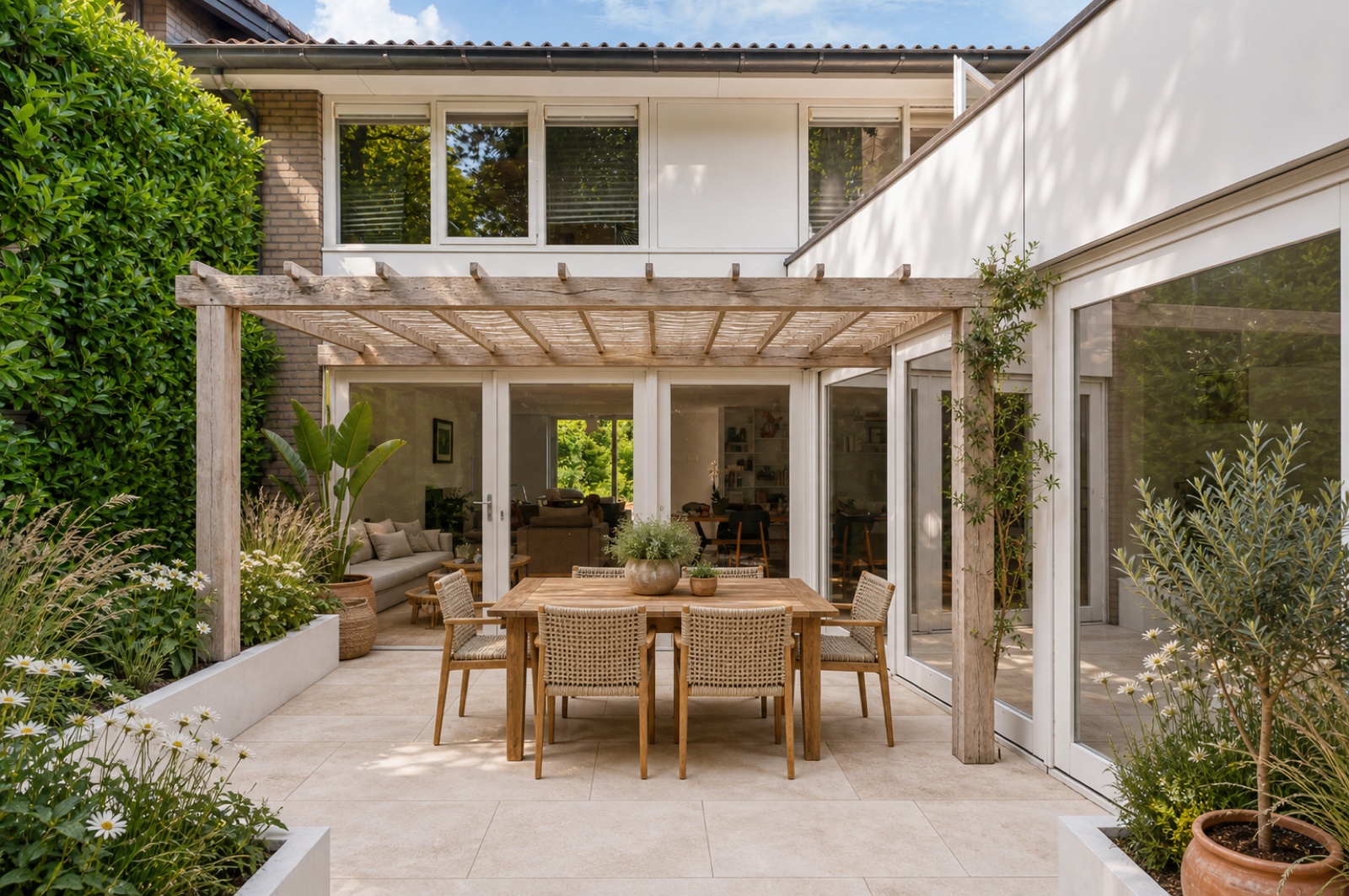
See what your own garden could become. Try a style, create a Vision Card with
AI and share it with the people whose ideas matter to you.
Start with your garden
Enter your address. TuinPlan loads property information from several trusted
sources. Add a photo of the place you want to change, or reuse a photo you have
already saved. Show where the photo was taken and which way it faces. Inspect
your plot and Sun & shade too: an estimate by season and part of the day that
you can compare with your actual garden.
Try a future view
Browse styles and save what you like. Choose a style, tell us what should change
and stay, and confirm those wishes before creating a Vision Card. TuinPlan
reuses suitable photos, wishes and style choices you have already saved.
Try another direction while keeping your earlier design. A Vision Card helps you
choose a direction; check dimensions before ordering.
Share it and hear back
Share your Vision Card with friends or family. They can view and review the
design through the link. Find their responses with your design and carry useful
ideas into another version.
Continue when it suits you
Inspiration today, photos tomorrow? Your saved work stays with your garden.
A Garden Walk records more places and photos of its current state. Use a larger
screen in the desktop editor when you want to refine the layout. Find photos,
inspiration and Vision Cards together in Media.
Explore products related to your style too. When you want more detail, turn a
chosen design into a Garden Spec estimate with your selected products and known
dimensions. Read it in the app or keep and share its PDF. None of that is
required to share your first Vision Card.
What could your garden become?
Browse styles, create a Vision Card of your own garden and ask friends what they think.